To give Event Organizers and Planners the flexibility to change the user experience or look and feel of their Events, there are four different user interfaces (UI) to choose from.
Tabbed UI
The Tabbed UI offers the traditional checkout experience for free and paid Events.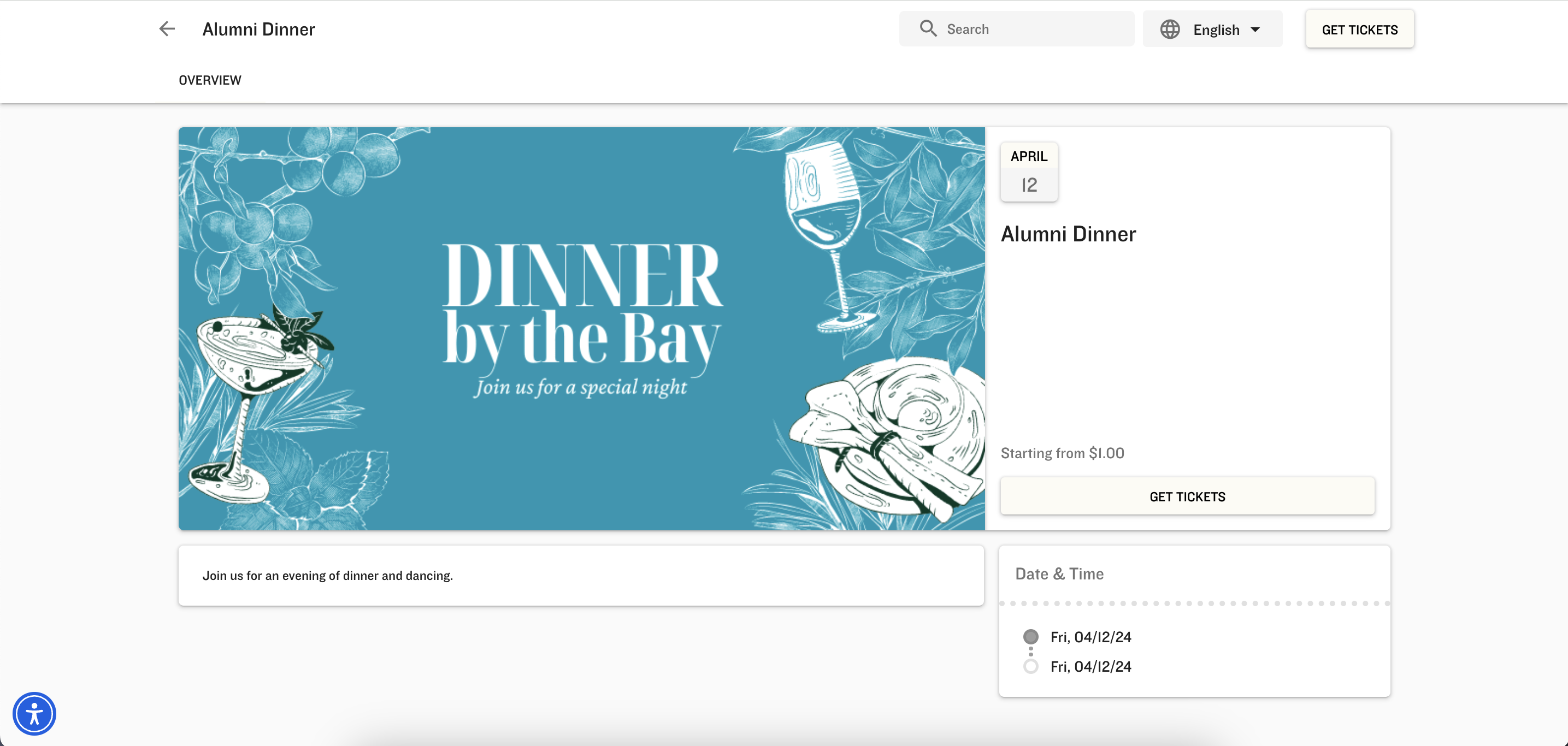
Simple UI
The Simple UI is a single-page user interface for only free Events.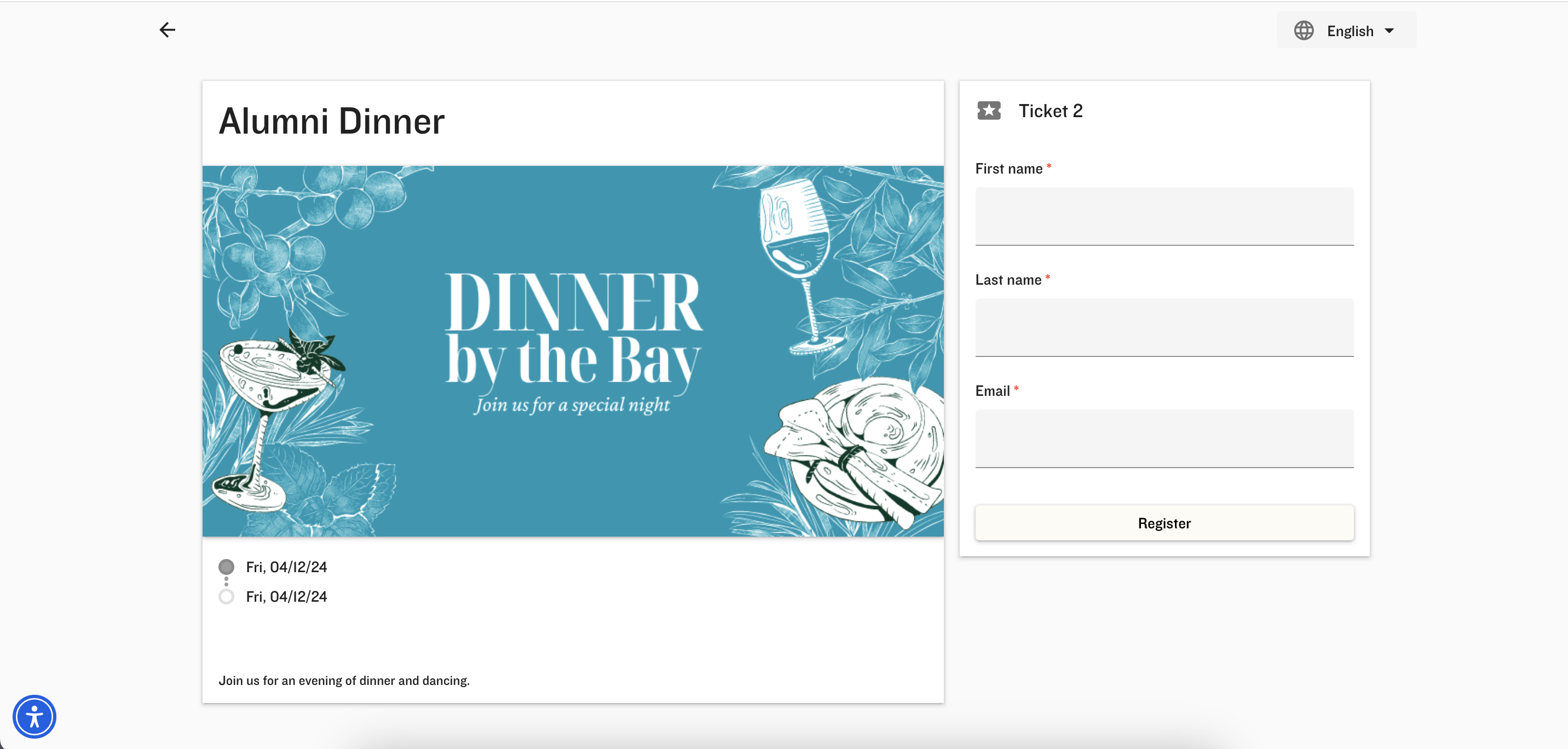
Full-Width UI
⚠️ Deprecation Notice
We are continuing to modernize the Events user experience. New installations of Blackthorn Events will no longer include the “Full-Width” and “BYY-CSS” picklist values from the Event UI Experience field.
Once the full deprecation of the Full-Width UI is complete, existing Events with the UI Experience field set to “Full-Width” will automatically be changed to the Dynamic UI.
The Full-Width UI offers an adaptive user experience for free and paid Events.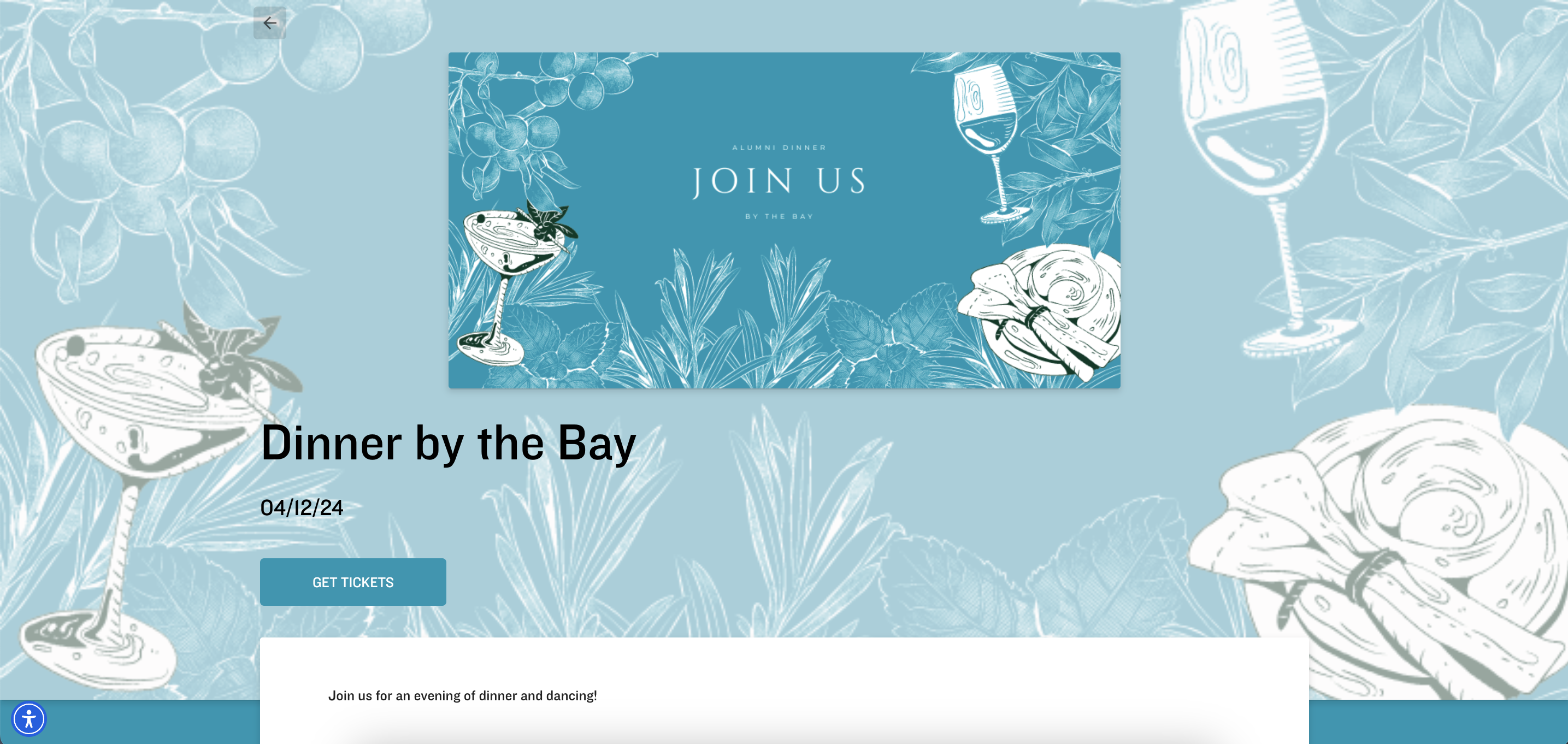
Dynamic UI
The Dynamic UI offers a contemporary look and feel with streamlined navigation for simple and complex Events.