Stylings: Shadows

Prev Next

The Shadows setting controls the box-shadow applied globally to every card-style component on the page: Info Cards, Speaker cards, Sponsor logo tiles, FAQ panels, and any section using a card layout.

Shadows
Component Shadow
Choose from 11 presets ranging from No shadow (none) through to Very strong. Each preset maps to a specific CSS box-shadow value. Presets in order: No shadow · Very subtle · Subtle · Light · Soft · Medium light · Medium · Moderate · Elevated · Prominent · Strong · Very strong. A subtle or light shadow lifts cards off the background and improves scannability; no shadow works best when you're already using borders or glass effects.
💡Shadow and border work well together at low intensities: try Very subtle shadow + 1px border for a clean card look, or Elevated shadow + no border for a floating effect. Avoid using both at high values simultaneously.
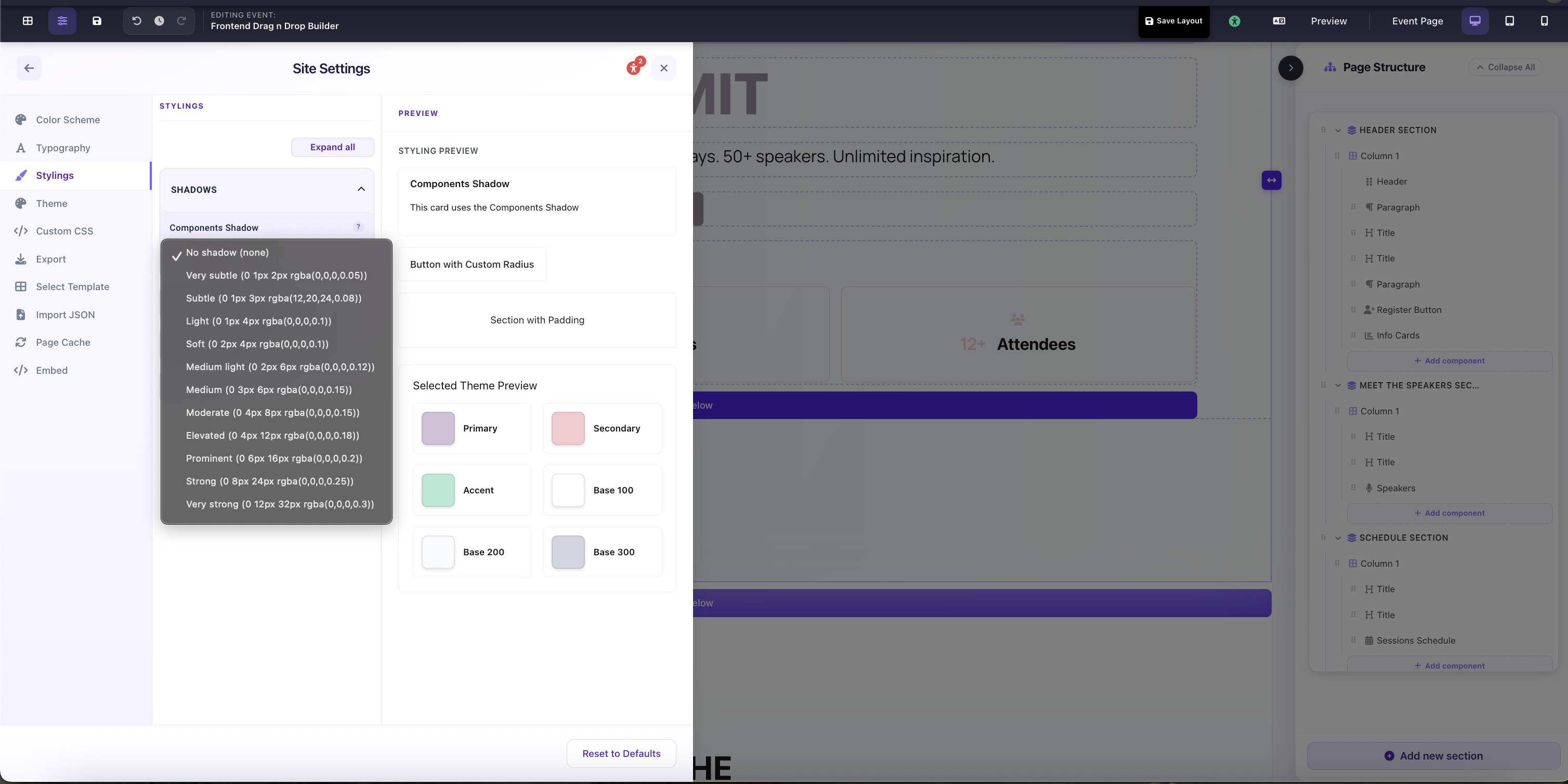
Site Settings → Stylings → Shadows: Component Shadow dropdown with all preset options listed