Export Layout JSON

Prev Next

In order to Explore Layout JSON, go to Site Settings → Export to download your entire page layout as a .json file. The export captures everything that defines your page visually:

Export Layout JSON
Downloads the current layout and all Site Settings as a .json file: every section, column, component config, theme, colors, typography, spacing, and custom CSS. Not included: Salesforce data such as tickets, sessions, speakers, and attendee records. The JSON is safe to share publicly.
Copy to Clipboard
Copies the raw JSON to your clipboard instead of downloading a file. Useful for pasting directly into a support ticket or a message.
💡Export before big changes. Before selecting a new template, running a bulk import, or making sweeping color changes, export your current layout. It only takes a second and gives you a full restore point beyond what History provides.
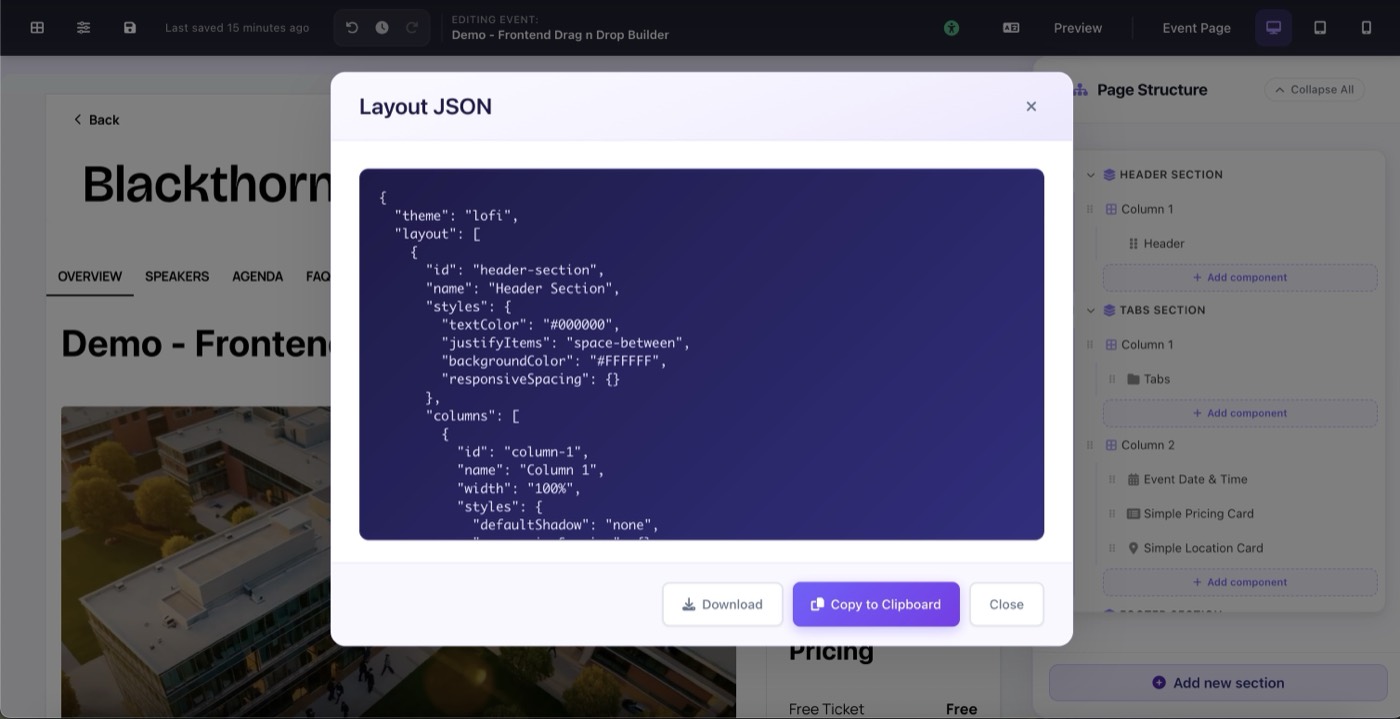
Site Settings → Export: Download or Copy to Clipboard buttons