Click the Preview button in the toolbar to see exactly how your event page will look to visitors. The editor chrome disappears and you get a clean, full-width view of the live design: the same experience an attendee would have when they land on your event website.
Happy with what you see? You can keep editing at any time: your layout autosaves as you work. When you're ready to go live, publishing is done from the Event Record in Salesforce.
💡Use the tablet and mobile device buttons in the toolbar to preview how your page reflows at smaller screen sizes before publishing.
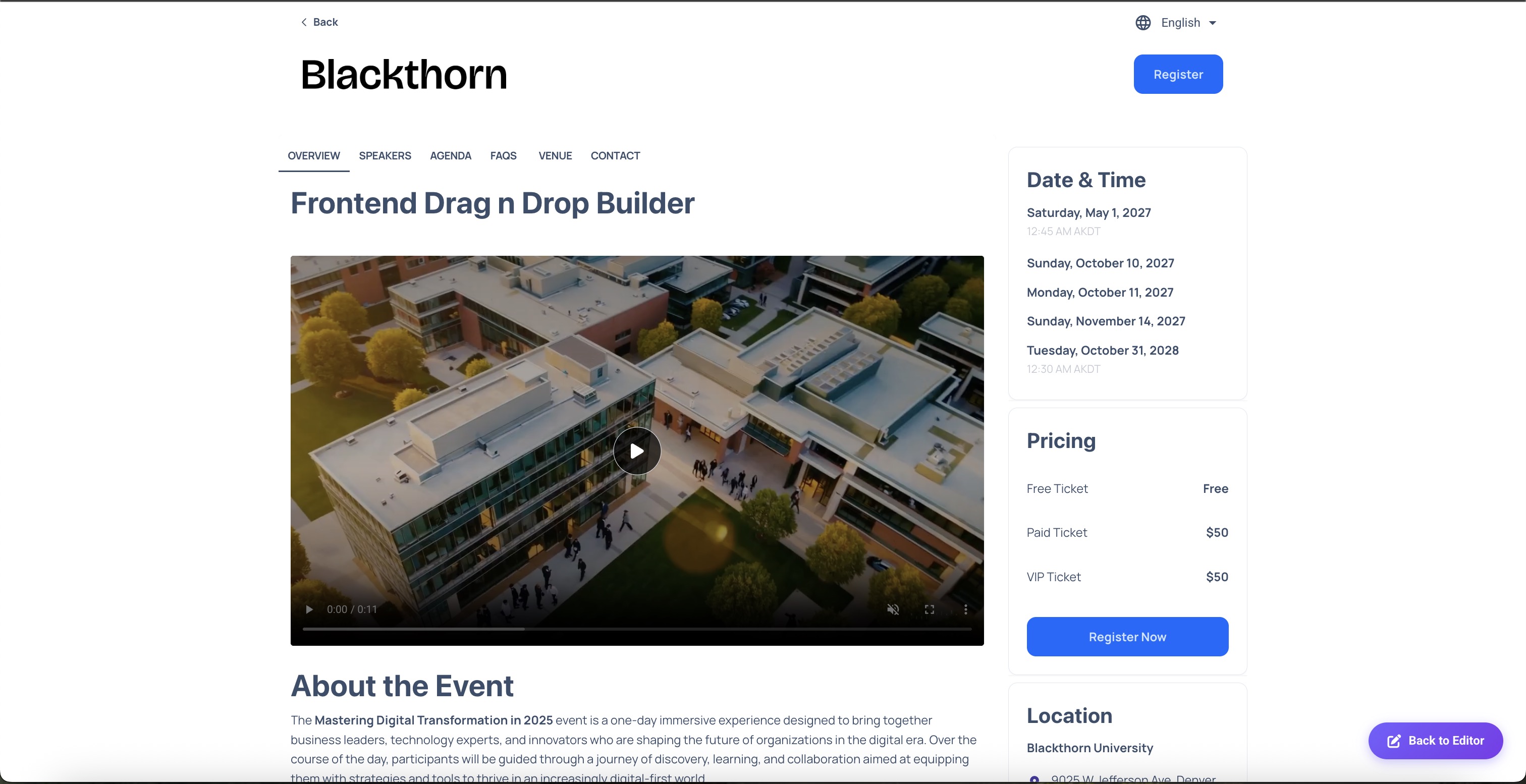
Preview mode: exactly how your event page will look to visitors on a website