When you're ready to go live, publishing is done from the Event Record in Salesforce, not from the Page Designer itself. Once published, attendees can see and interact with your event page: register, browse speakers, view the schedule, and more.
As an authenticated Salesforce user visiting your own live event page, you'll see a dark banner at the top that reads "You're viewing this event outside the Page Designer" with a Back to Page Designer button: a handy shortcut to jump straight back into editing without navigating through Salesforce.
💡That editor banner is only visible to you when you're logged into Salesforce. Your attendees will never see it. They get the clean event page with no editor UI whatsoever.
⚠️
Attendees won't see any of your design changes until the event is published from the Event Record in Salesforce. The Page Designer preview is only visible to you while you're building.
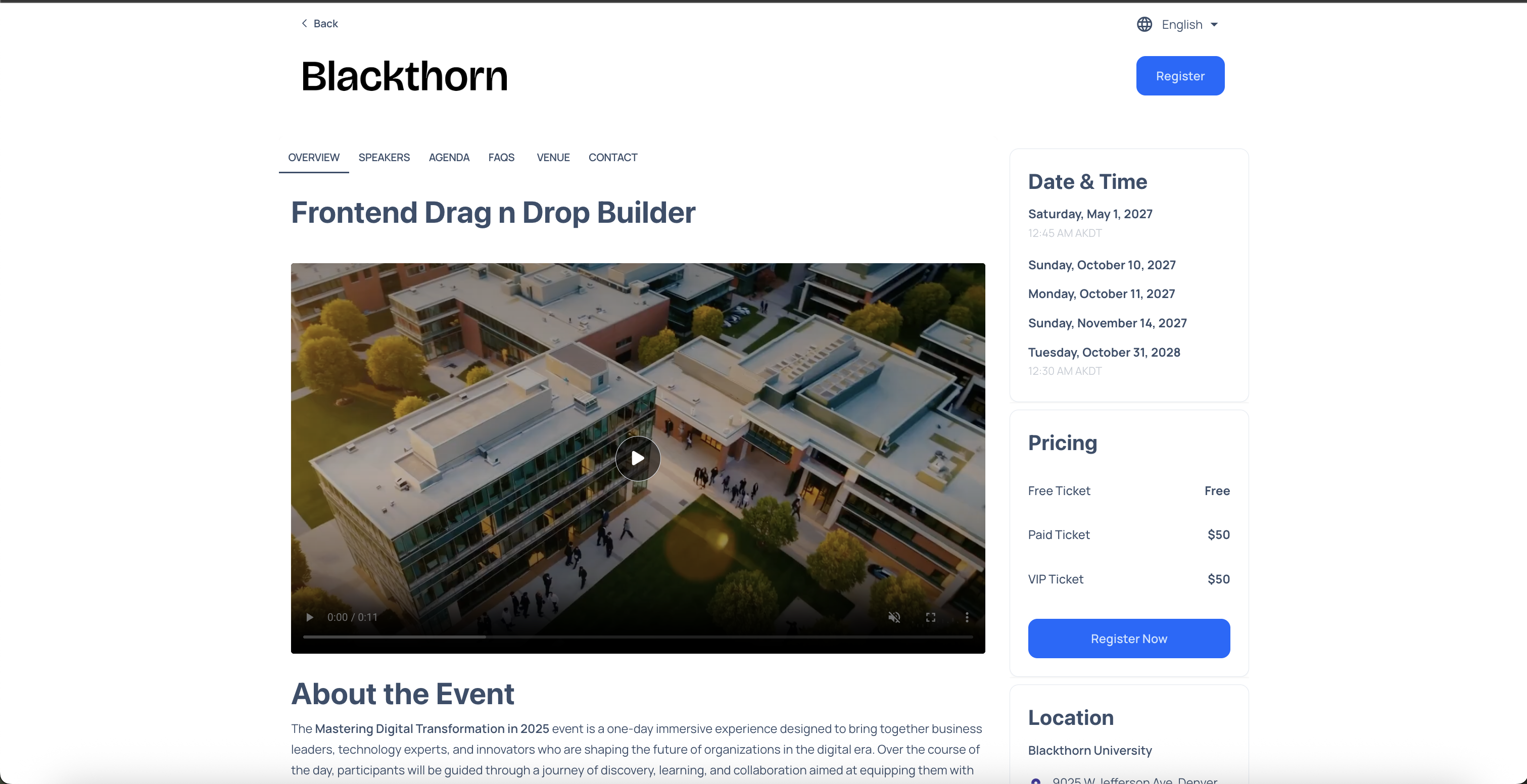
Published event page: authenticated Salesforce users see the "Back to Page Designer" banner; attendees never see this