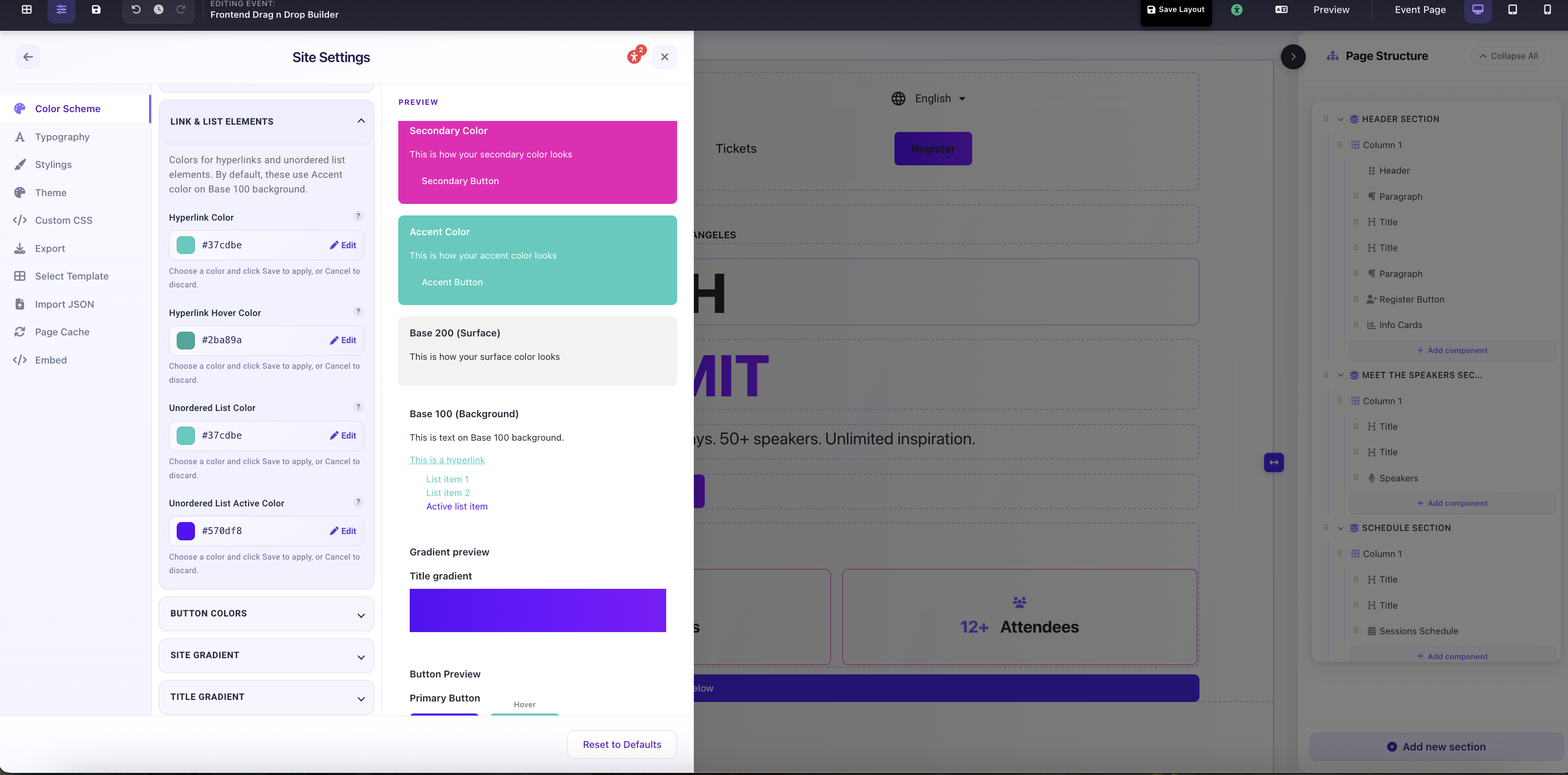
Link and list colors control how hyperlinks and bullet points appear inside your content components. Most default to your Accent color, but you can override them here individually without changing your Accent globally.
Link & List Elements
Colors for <a> hyperlinks and unordered list markers inside Rich Text, Paragraph, and other content components. Default to Accent color: override here when your Accent doesn't work as a link color.
Hyperlink Color
Color of clickable links in content blocks. Appears in Rich Text and Paragraph components wherever you've added an anchor tag. Defaults to Accent.
Hyperlink Hover Color
Color of a link when a visitor hovers over it. Should be visibly different from the default link color to confirm interactivity: typically a slightly darker or lighter shade.
Unordered List Color
The bullet marker color for <ul> list items in Rich Text content. Defaults to Accent. Change this if your Accent color clashes with the surrounding text color.
Unordered List Active Color
The marker color for the currently active or selected list item in interactive list components. Defaults to Primary.
Site Settings → Color Scheme → Link & List Elements: hyperlink, hover, and list colors with live preview