Add a Header by creating a section at the very top of your canvas, then clicking Add component → BASIC → Header.
⚠️
Only one Header is allowed per page. Adding a second Header replaces the existing one. Keep it in its own dedicated section at the very top of your canvas.
The Header settings panel has three tabs:
- Navigation: Add nav items with labels, URLs, and icons. Link to page sections (
#register), tabs (#agenda:schedule), or external URLs. See the Component Library for full settings detail. - Style: Navbar background, glass effect, gradient animation, nav item colors, hamburger icon.
- Spacing: Padding and layout controls.
💡Enable Sticky Header so navigation follows visitors as they scroll, and link the Register button to
#register for a smooth scroll-to-checkout experience.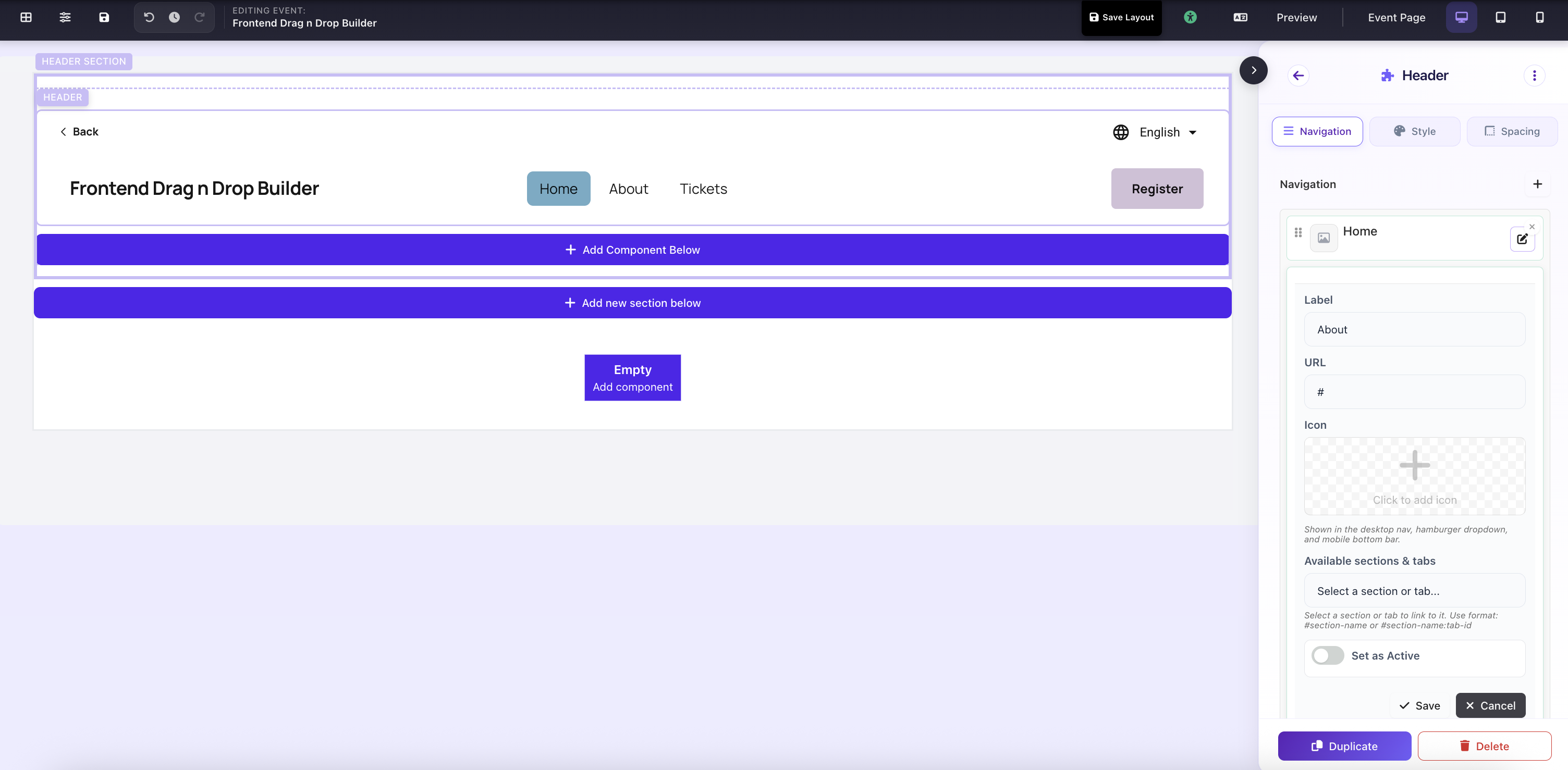
Header component selected: Navigation, Style, and Spacing tabs in the settings panel