Click the clock icon in the toolbar to open the History panel. It stores up to 30 entries, each labeled with the action taken and how long ago it happened (for example, "Added Column, just now" or "New layout, 3 min ago").
The ACTIVE badge marks where you are right now. Click any earlier entry to restore to that exact state.
💡History is your safety net. Before making a big change like switching templates or deleting a section, check the history panel so you know you can get back to where you were.
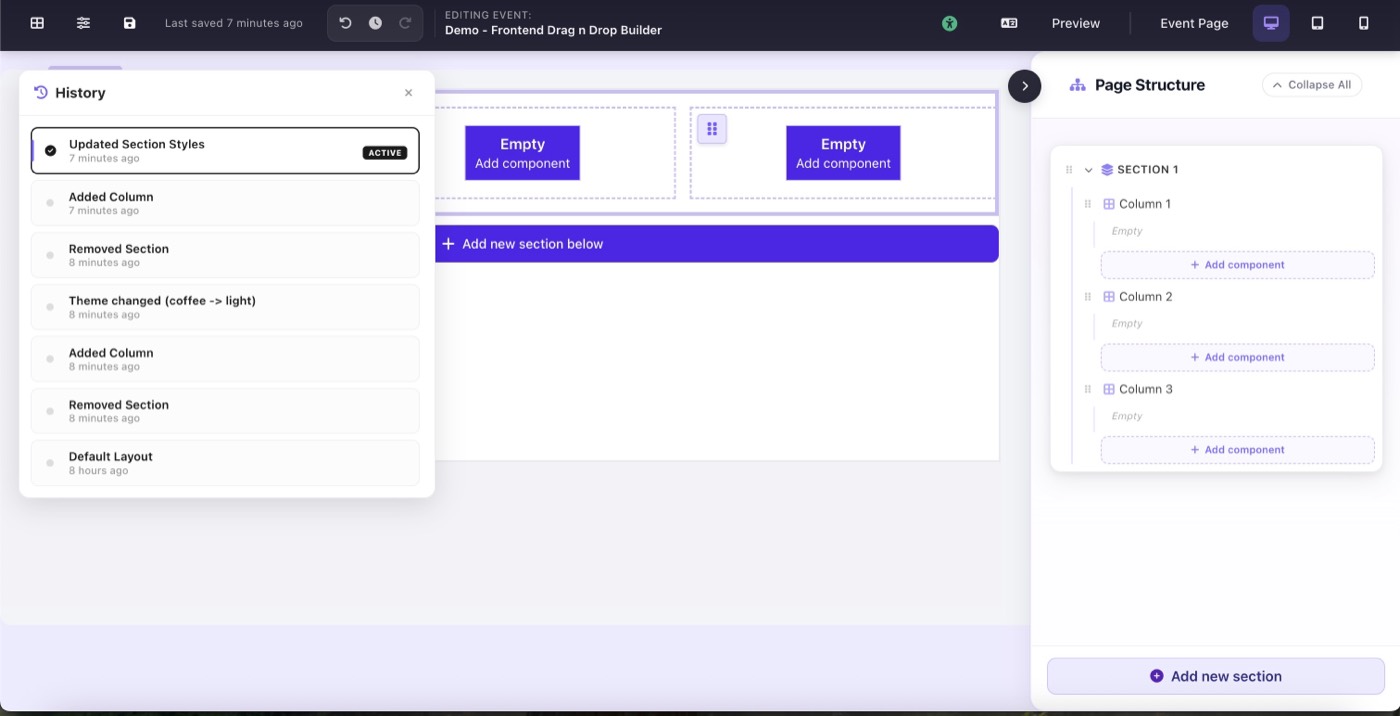
The History panel showing 30 timestamped entries