When your published event page looks outdated even after saving layout changes, go to Site Settings → Page Cache. For example, updated colors, fonts, or component styles that aren't showing up on the live event URL.
⚠️
This only clears the Page Designer styles cache. It does not invalidate caches for Salesforce event data: tickets, sessions, speakers, sponsors, and other record data are managed separately by Salesforce and are not affected by this action. If event record data looks stale on the overview page, that is a Salesforce data sync issue, not a page cache issue.
💡The Page Designer preview is never cached. It always reflects your latest changes in real time. Only the public event URL served to attendees goes through the cache.
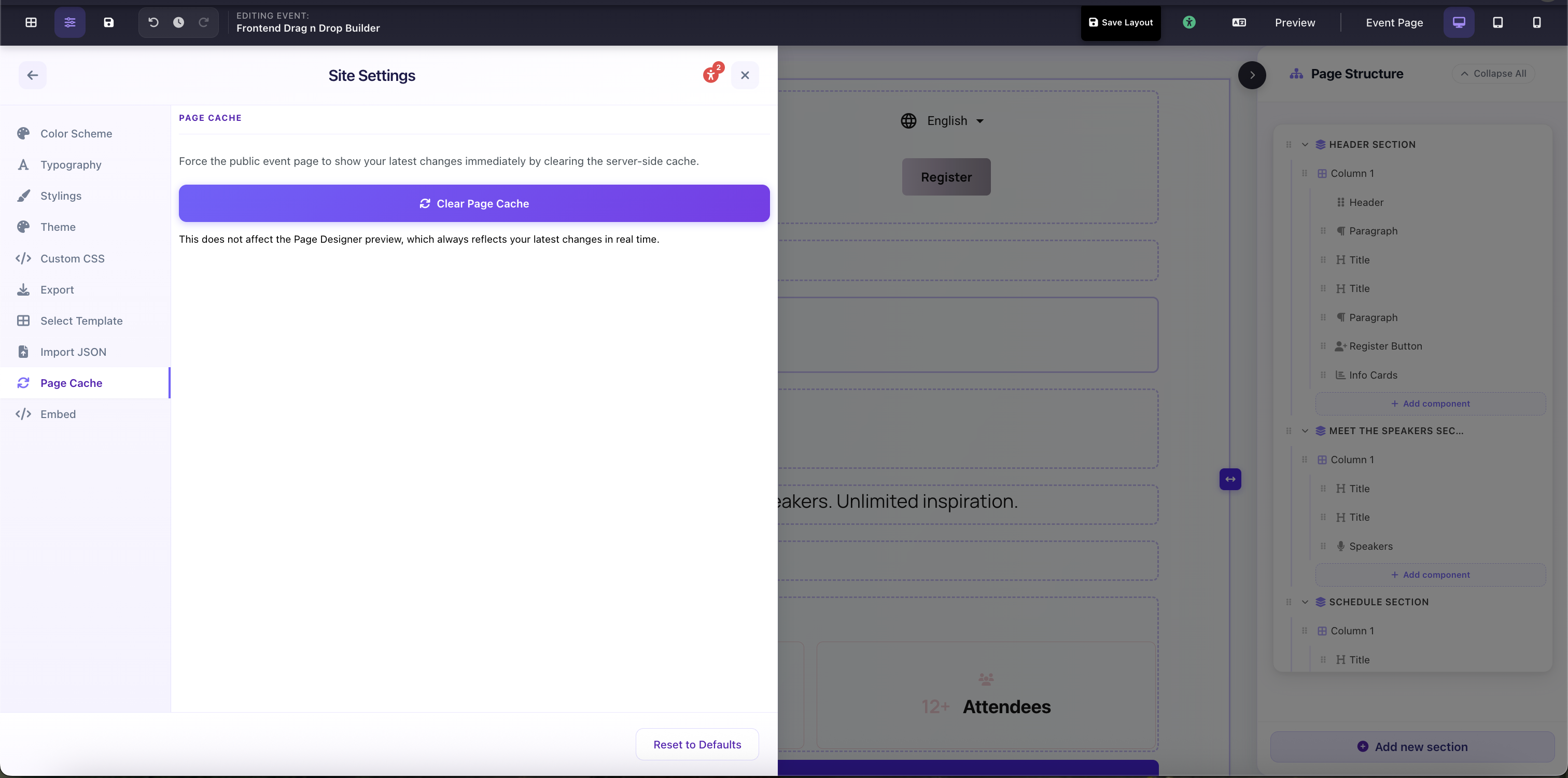
Site Settings → Page Cache: Clear Page Cache button with scope note