Starting from scratch gives you a blank canvas. You add each section and component yourself with full control over the structure and the content from the beginning.
How to build from scratch:
- On an empty canvas, click Add New Section (the button in the center or at the bottom of the canvas).
- In the Section → Content tab on the right sidebar, set the Column Distribution to decide how many columns and what width split (1 column full-width, 2 columns 50/50, 67/33, etc.).
- Click Add component inside any column to open the component selector. Browse BASIC, EVENT DETAILS, or REGISTRATION categories, or search by name.
- Repeat: add another section at the bottom, set its columns, add components.
Recommended section order for a first page:
- Section 1: Header component (navigation bar)
- Section 2: Hero or Event Banner (opening visual)
- Section 3: 2-column: event details left, Checkout Form right
- Section 4: Speakers or Schedule (optional)
- Section 5: Footer component
💡
You can switch to a template at any time with the Templates button in the toolbar. It replaces the current canvas. So it's safe to start from scratch, experiment, and then switch to a template if you decide you want a pre-built structure after all.
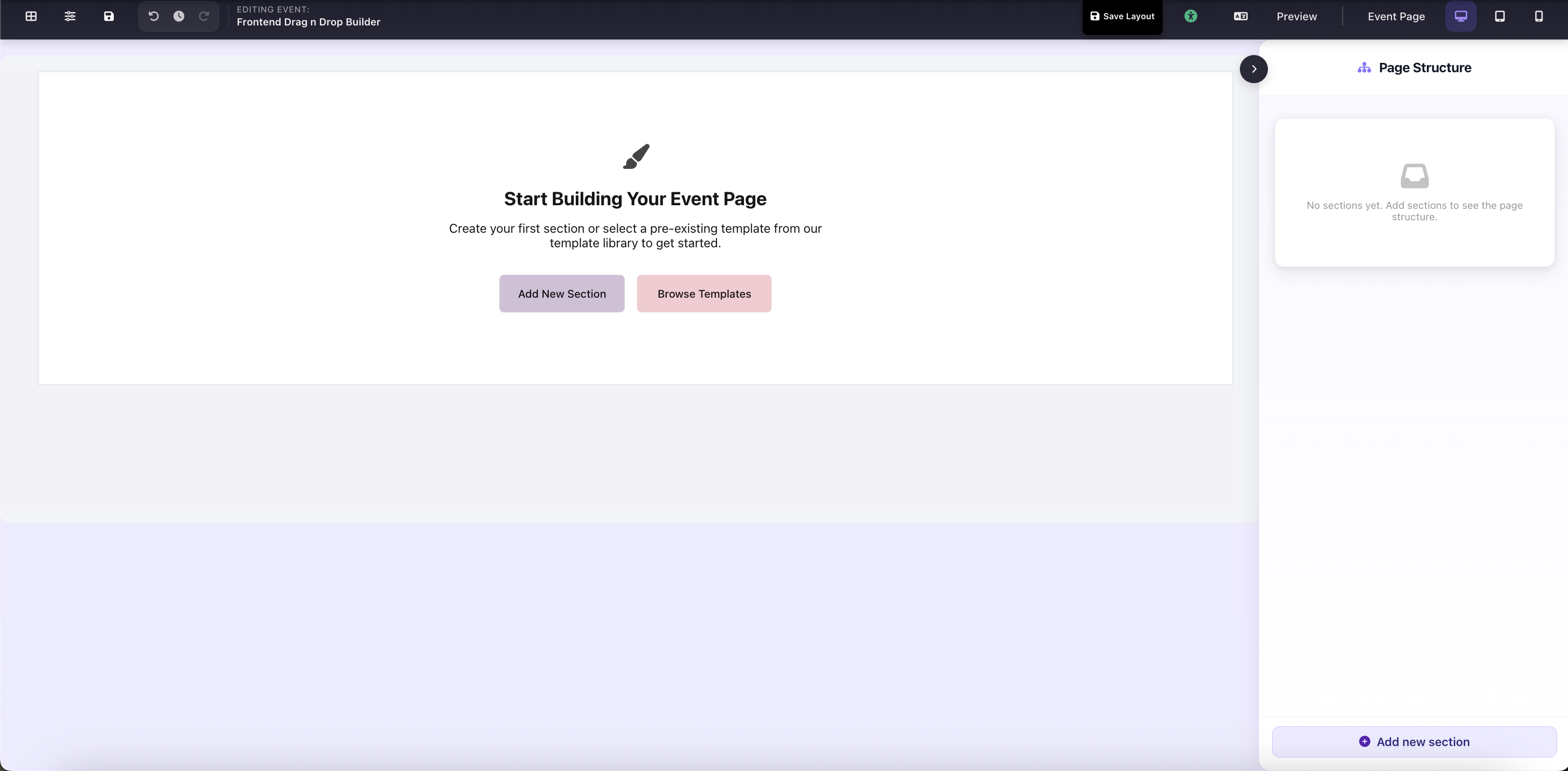
Empty canvas: "Add New Section" and "Browse Templates" CTAs with Page Structure panel on the right