Let's give your page your brand's look and feel. Open Site Settings (sliders icon in the toolbar), then click Color Scheme in the left nav, then click the Theme Creator button at the top.
The Theme Wizard ("Smart fill across Site Settings") opens in a modal. It takes just a few brand colors and fills in all derived tokens automatically: hover states, gradients, semantic colors.
💡You only need 4 inputs: Background, Text on base, Primary color, and Accent color. The wizard handles everything else. You can fine-tune individual tokens afterwards.
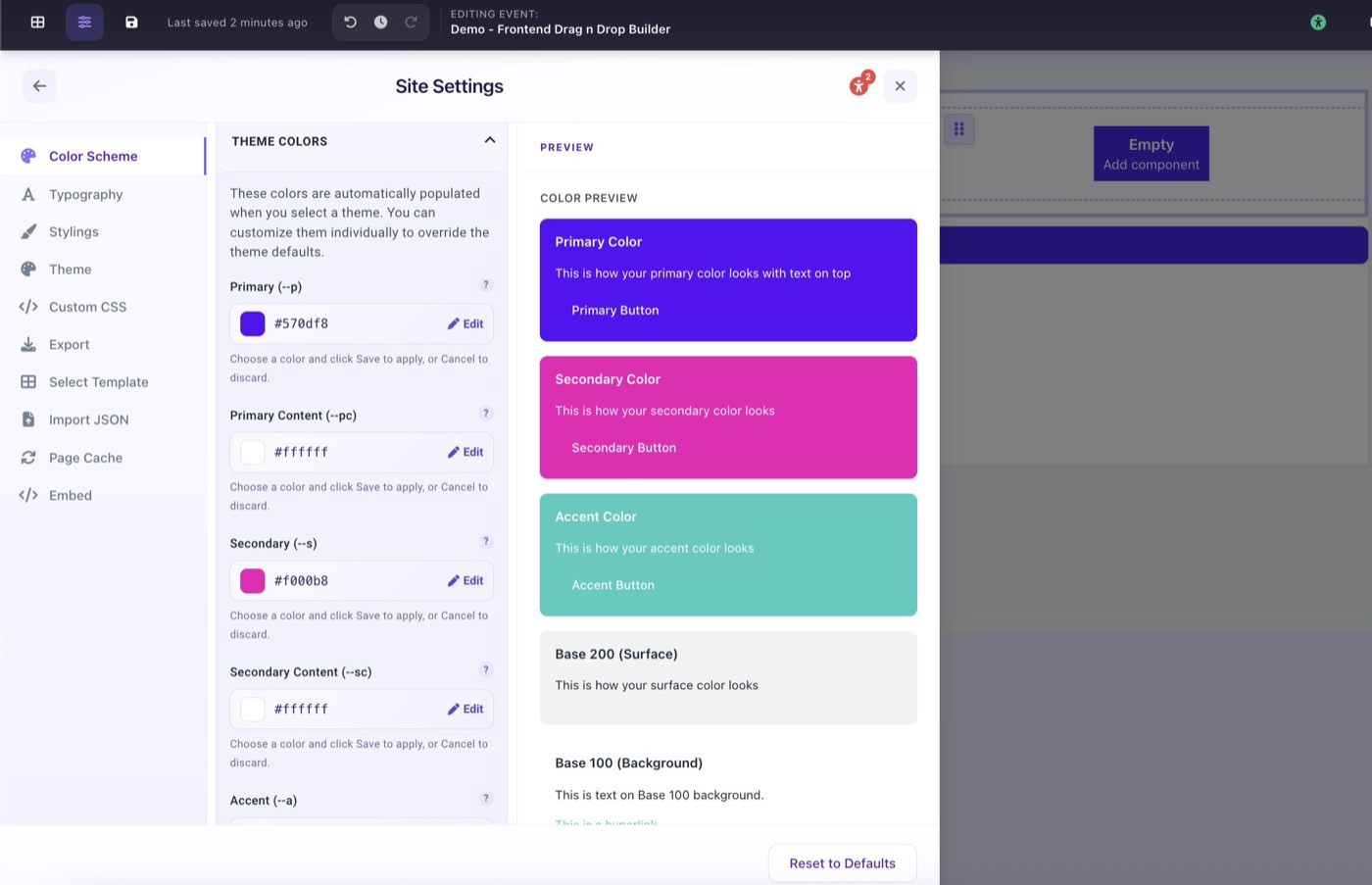
Site Settings → Color Scheme with Theme Creator button visible