Click the image icon in the toolbar (or any media upload field inside a component) to open the Asset Library. It's a centralized media store for your entire org: upload once, reuse across any event page without having to re-upload or manage external URLs.
You can store any of these file types:
- Images (JPG, PNG, GIF, SVG, WebP) used in Image components, Hero backgrounds, Sponsor logos, Speaker photos
- Videos (MP4 and other formats) used in Video components and Hero background videos
- Documents: PDFs and other files you want to link from your page
- Fonts: custom font files that appear in Site Settings → Typography → Custom Fonts
All assets are stored outside Salesforce, so they do not count against your Salesforce Files storage quota.
🛡️ How your media is stored
- Files are stored in an org-specific folder, isolated to your organization and not shared with other orgs.
- You can delete any file at any time from the Asset Library. Deleted files are removed from storage immediately.
- Uploaded files are technically accessible to anyone with the direct URL. They are not password-protected. This is the same behavior as Salesforce Files used in Blackthorn Webapp.
- Avoid uploading sensitive or confidential documents. Use the Asset Library for public-facing media: logos, event images, speaker photos, and fonts.
💡Upload your brand logo, event banner, and speaker headshots to the Asset Library before you start building. They'll be available instantly wherever you need a media picker without leaving the designer.
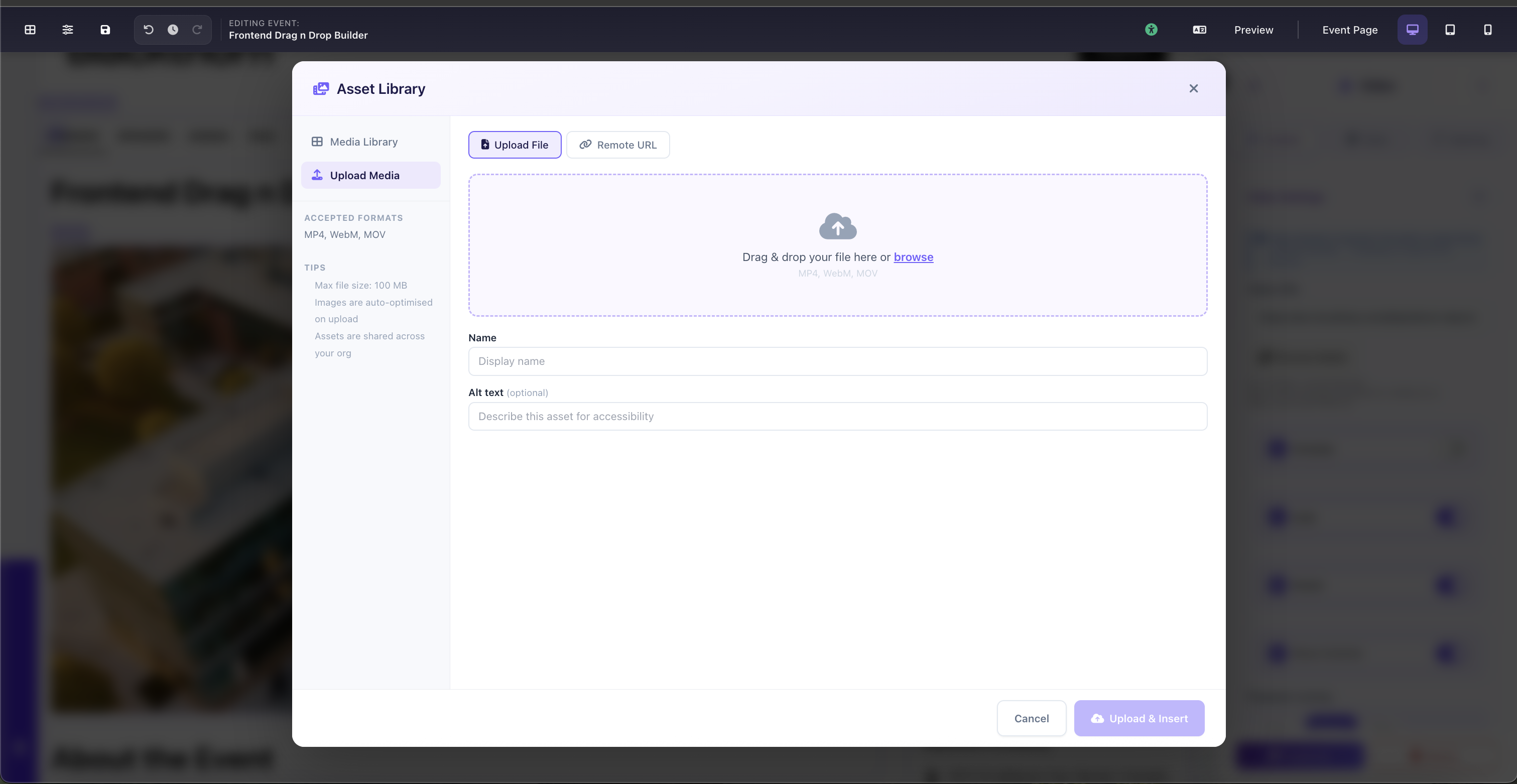
Asset Library modal: Media Library with filter by type (Image, Video, Document, Font) and Upload Media option