Page Designer
The Logo section controls what appears on the left side of the header. You can use an image, text, or both together.
Logo Image URL
Upload an image file or paste a URL. SVG and PNG with transparent backgrounds work best. They adapt cleanly to both light and dark header backgrounds without a white box around them. Recommended size: 240 × 80 px (3:1 ratio).
Logo Text
Text displayed if no logo image is set, or alongside the image. Styled with your theme's heading font and primary color. Useful as a fallback or for text-based brand marks.
Logo Link URL
URL the logo navigates to when clicked. Leave empty to link to the top of the event page, or enter your company homepage URL to let visitors navigate back to your main site.
Remove Logo
When enabled, the event name will be displayed instead of the logo (unless Hide Event Name is also on).
Hide Event Name
When enabled, the live event title is not shown in the header, including when the logo is removed or no logo image or text is set.
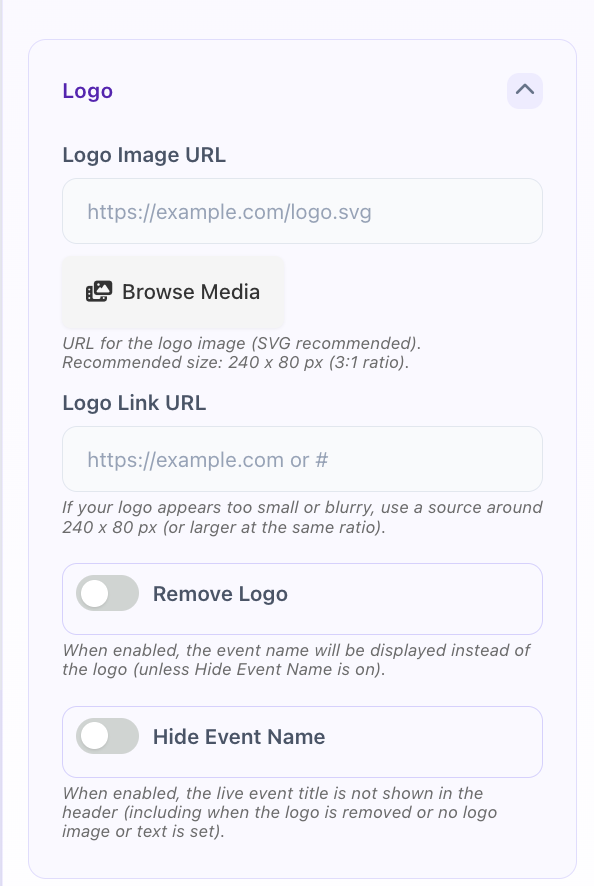
Header component: Logo settings tab