Click the Save Layout button (floppy disk icon) in the top toolbar. The first time you save, you'll be prompted to give the layout a name: choose something descriptive like "Annual Conference 2025" or "Charity Gala Template".
After the first save, autosave takes over. Each change is saved about five seconds after you stop editing, so you don't need to click Save again. After you import a template or JSON, click Save Layout to turn autosave back on.
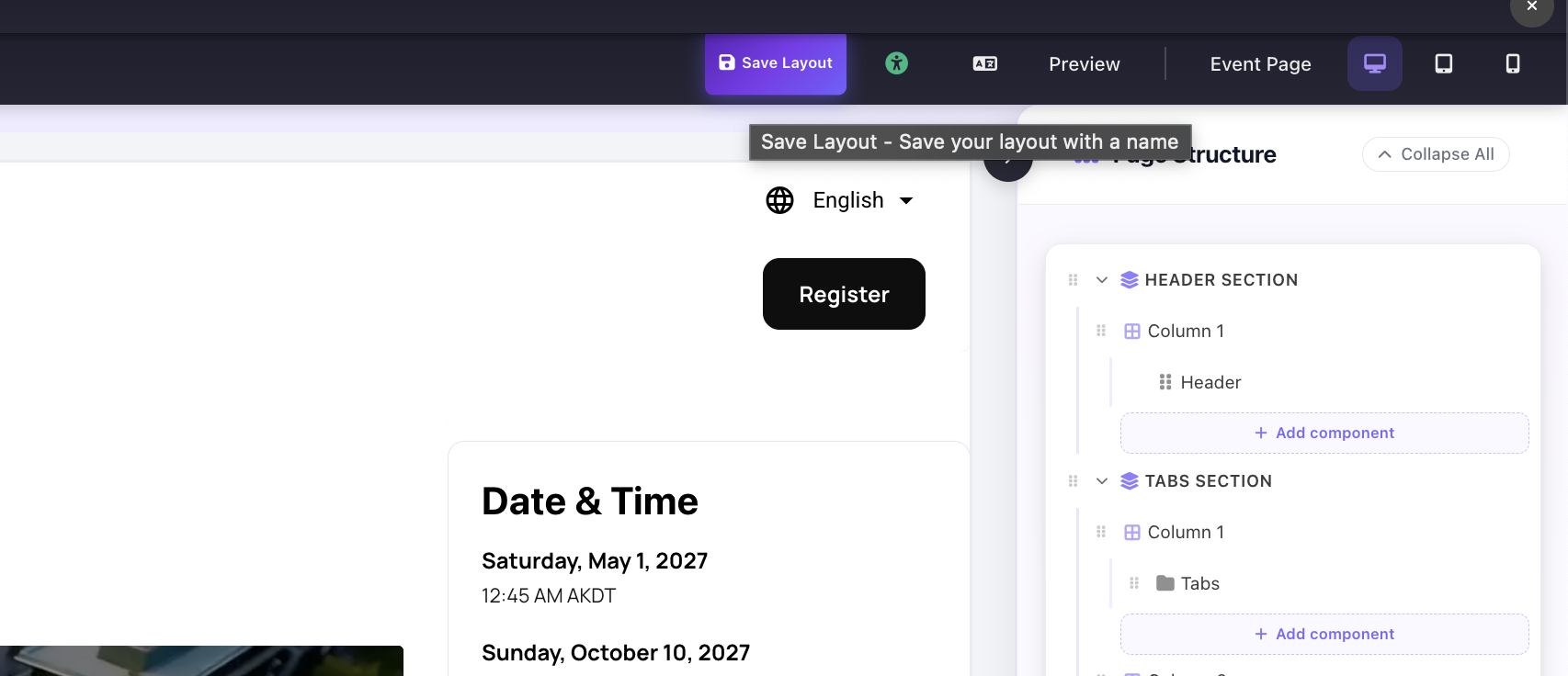
Save Layout button in the toolbar: hover tooltip reads "Save your layout with a name"