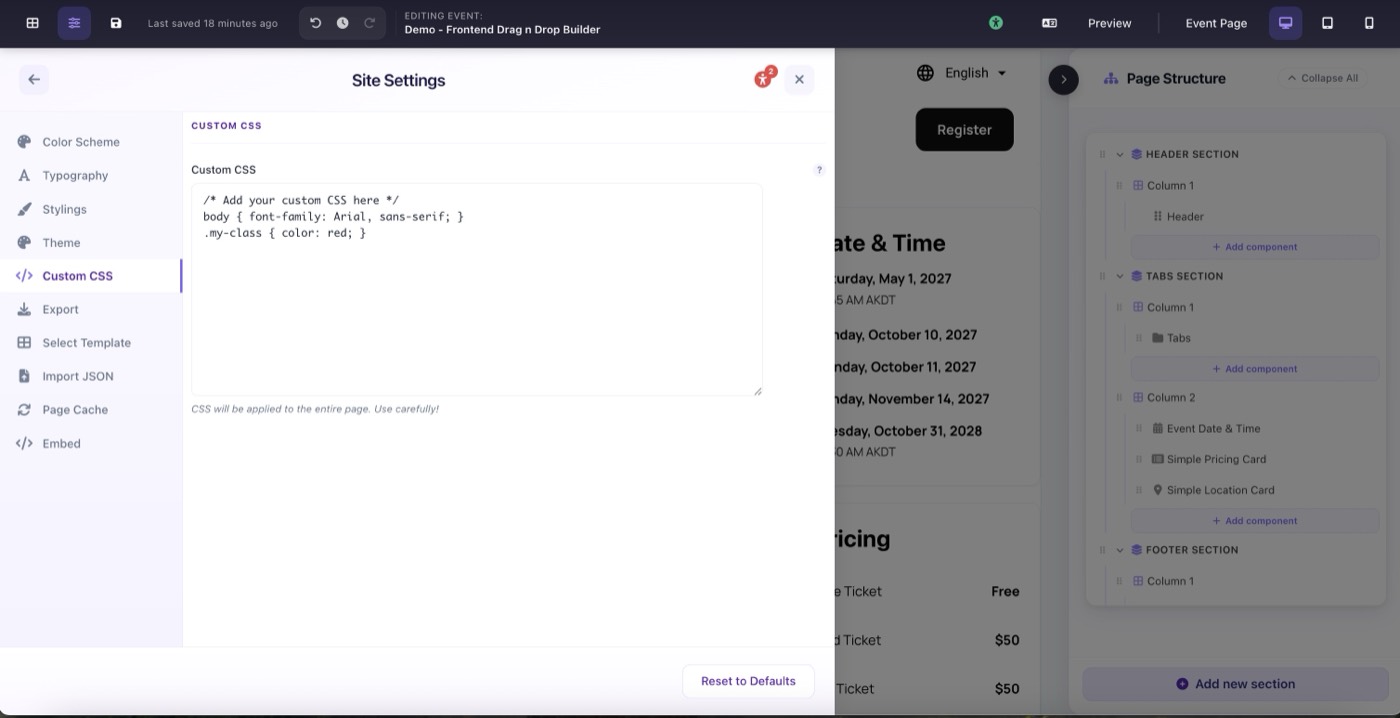
Go to Site Settings → Custom CSS to write or paste any valid CSS. It applies immediately to your entire published page.
You probably won't need this often. The Page Designer gives you granular visual control over every component: colors, spacing, fonts, borders, shadows, corner radius, and more are all configurable directly in each component's settings panel without writing a single line of CSS.
But for those edge cases where you need to target a very specific element or override a style that isn't exposed in the UI, Custom CSS is your escape hatch. Previously in Blackthorn Events, applying custom styles required hosting a separate CSS file externally and referencing it. Now you can simply paste your CSS here and it applies everywhere: no file hosting, no URLs, no waiting.
Common legitimate uses:
- Targeting a very specific nested element the settings panel doesn't expose
- Adding a CSS animation or transition not available in the UI
- Overriding a third-party embed's default styles