When you open Page Designer for an event that uses your organization's default layout (the event has no layout of its own), this dialog appears first.
| Option | Effect |
|---|---|
| Edit shared Design | All events using this layout will see your changes |
| Make a copy for this event | Duplicates the layout: only this event is affected |
| Use a pre-made template | Starts fresh and opens the template picker |
💡Not sure which to pick? Click "Why am I seeing this?" in the dialog for a plain-English explanation of shared vs. event-specific layouts.
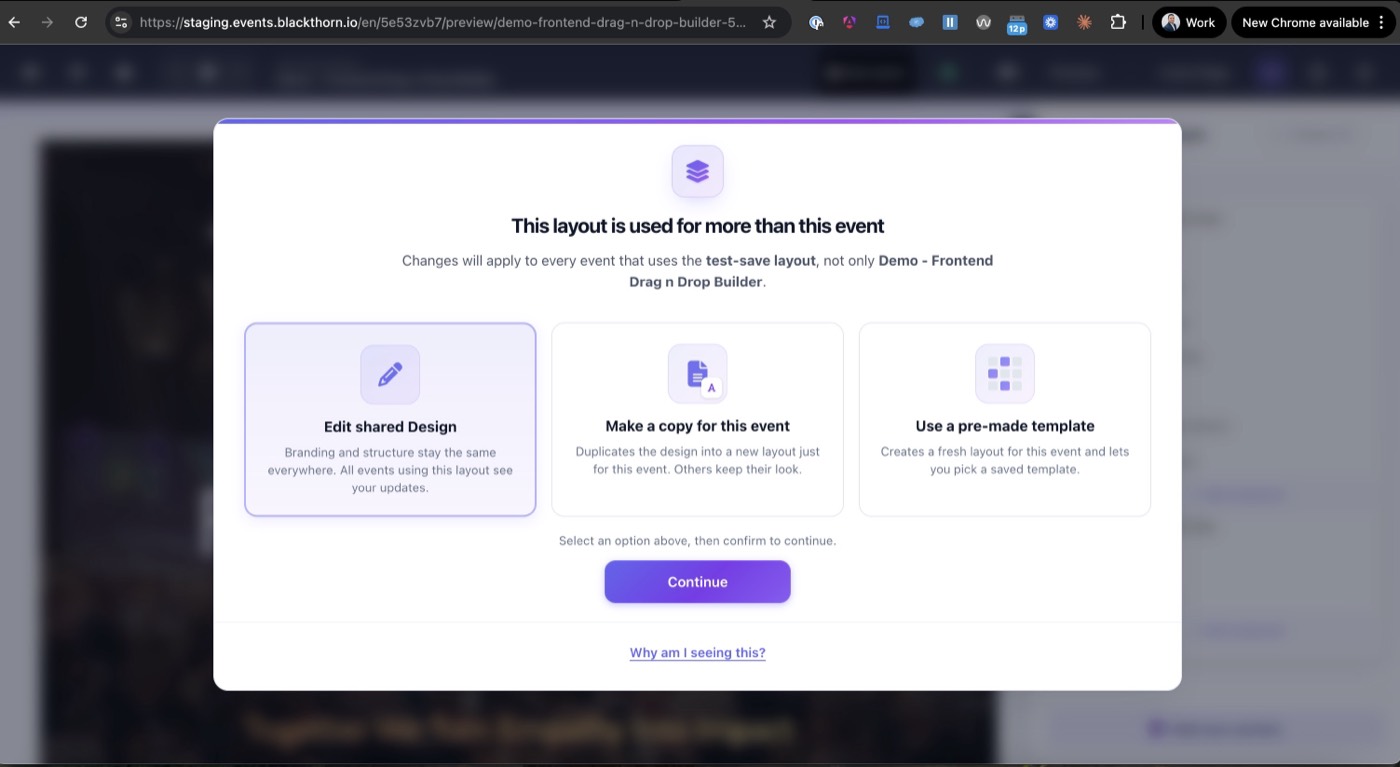
The Shared Layout Awareness dialog: choose how your edits will apply