Checkout
The Checkout Form component embeds the full registration and ticket purchase experience directly on the event page. It automatically pulls ticket options, fields, and pricing from the Salesforce Event record: no manual data entry is needed.
Important: The Checkout Form can only be used for events with a single free ticket. For events with paid tickets or multiple ticket types, use the Register Button component instead.
Style Settings
- Background Color, Background Image, Transparent Background, Glass Mode
- Header Image / Header Gradient / Header Glass Effect: style the top of the form
- Hide Header: removes the form header entirely
- Hide Ticket Name: removes the ticket title from the form
- Question Text Color, Field Background Color
💡Set the containing Section's ID (in Section → Content → Section ID) to
register, then link your Header's Register button to #register: visitors scroll directly to the form with one click.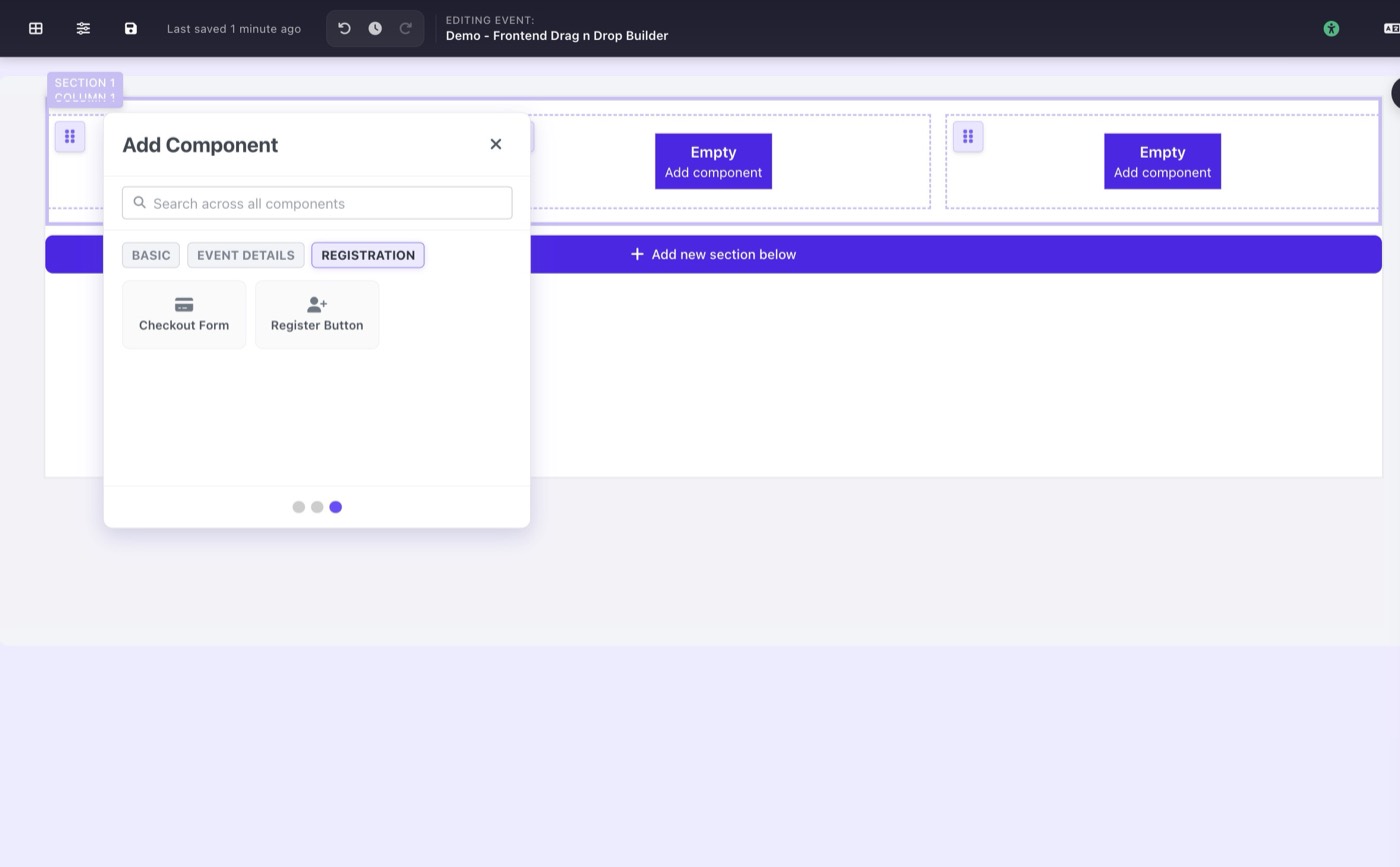
REGISTRATION tab with Checkout Form and Register Button